
Paying for an IPTV subscription without testing it first is a gamble. Streams that look perfect in screenshots can buffer during a live match, and a “40,000-channel” lineup may not include the channels you actually watch. An IPTV free trial removes that risk. You get real login details, connect them to your own device, and see how the service performs before you spend anything.
In this guide, we compare five providers that currently offer a free trial without asking for card details. For each one, we cover channels, VOD, pricing, refund terms, and who it suits best. We also explain how to get the most out of a 24-hour trial and the warning signs to watch for.
Key Takeaways
- All five providers offer a free trial with no credit card required. Four advertise 24 hours. IPTV Service Shop lists both a 24-hour and a 3-hour trial on its site, so confirm the length before you start.
- Forest IPTV has the largest advertised library (47,000+ channels and 190,000+ VOD titles) and the longest refund window, up to 45 days on yearly plans.
- Strive IPTV pairs catch-up TV with a plan-based money-back guarantee of up to 45 days. Refunds are paid within 24 hours.
- IPTV Service Shop ($9.99/month, $59.99/year) and HomePlex IPTV ($10/month, $60/year) are the cheapest options.
- Twit IPTV has the biggest VOD library for its price (165,000+ titles) and now includes 72-hour catch-up.
- Test during peak evening hours, check the specific channels you need, and message support during the trial. Those three checks reveal more than any channel count.
- Several brand names here look like other companies (Twit vs. TWiT.tv, HomePlex vs. Plex). Always check the exact domain before signing up.
What Is an IPTV Free Trial?
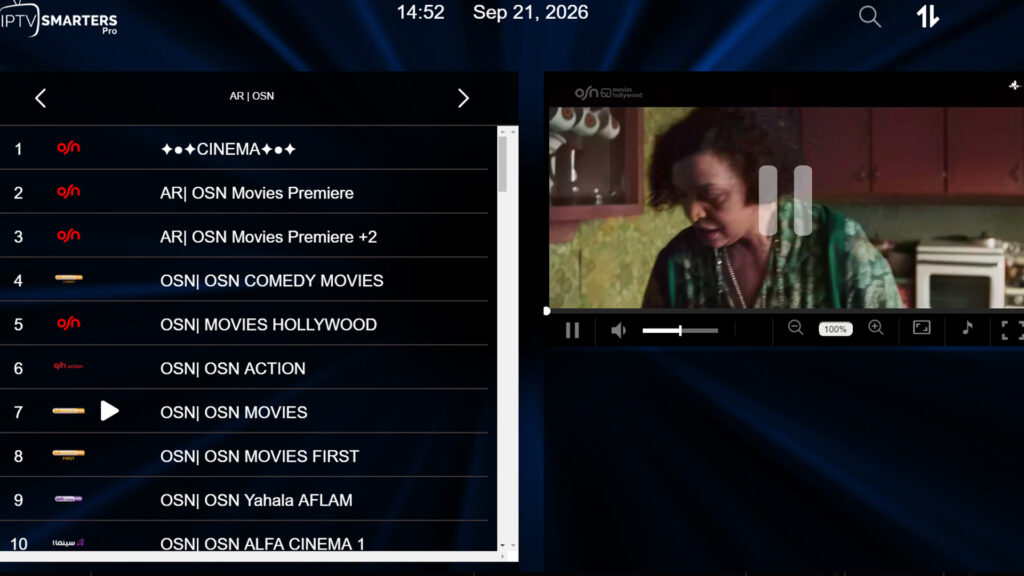
IPTV (Internet Protocol Television) delivers live TV channels and video on demand (VOD) over your internet connection instead of through cable or satellite. An IPTV free trial is a short, temporary account, usually 24 hours, that gives you the same channels, servers, and app setup as a paid plan.
During the trial, the provider sends login details, normally an M3U playlist link or Xtream Codes (username, password, and server URL). You enter these into an IPTV player app and start watching. When the trial ends, the account simply stops working. None of the providers below require payment details to start, so there is nothing to cancel.
How We Chose These IPTV Free Trial Providers
We visited each provider’s official website in October 2026 and compared:
- Trial length and whether a credit card is required
- Live channel and VOD library size
- Streaming quality (HD, FHD, 4K)
- Extra features like EPG and catch-up TV
- Prices for 1, 2 and 3 connections
- Money-back guarantee terms
- Device support and support channels
Channel and VOD counts are the numbers each provider advertises. We could not independently verify every figure, which is exactly why the trial matters.
Top 5 Best IPTV Free Trial Providers in 2026
Quick Comparison: Best IPTV Free Trial Providers at a Glance
| Provider | Live Channels | VOD | From (1 Month) | 1 Year (1 Device) | Catch-Up | Refund Window | Free Trial |
|---|---|---|---|---|---|---|---|
| Forest IPTV | 47,000+ | 190,000+ | $15 | $65 | Not listed | 10–45 days | 24 hours |
| Strive IPTV | 26,000+ | 130,000+ movies / 50,000+ series | $15 | $65 | Yes | 10–45 days | 24 hours |
| HomePlex IPTV | 25,000+ | 50,000+ | $10 | $60 | Not listed | 10 days | 24 hours |
| Twit IPTV | 16,000+ | 165,000+ | $12 | $80 | 72 hours | 10 days | 24 hours |
| IPTV Service Shop | 28,000+ | 58,000+ | $9.99 | $59.99 | Not listed | Technical issues only | 3–24 hours |
1. Forest IPTV: Best for Large Channel Libraries and 4K Streaming
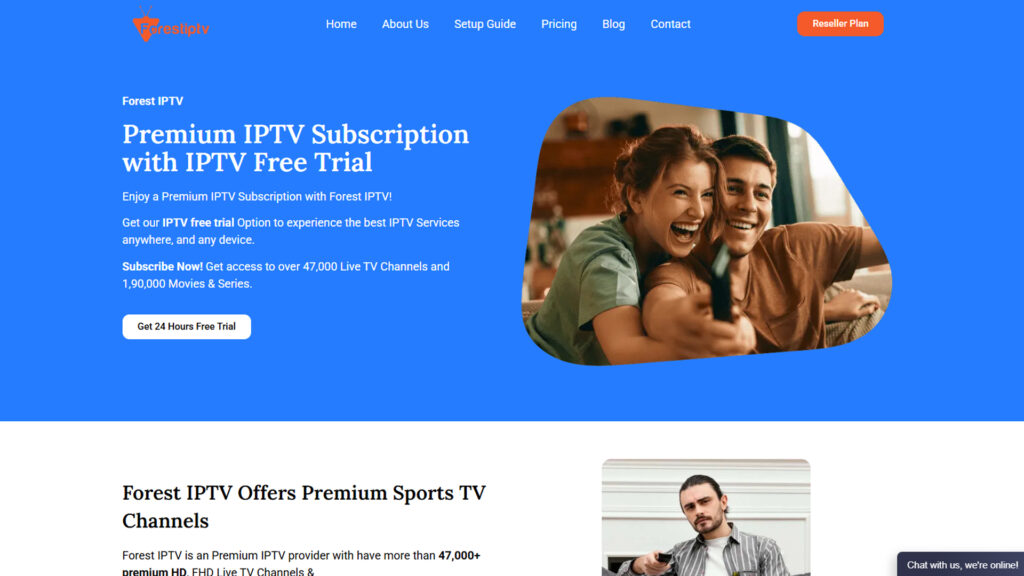
Forest IPTV advertises more than 47,000 live channels and 190,000+ movies and series, delivered through M3U and Xtream Codes on a private 10Gbps+ server. It lists HD, FHD, 4K, and 8K streams and says more than 38,000 of its channels run 24/7.
One thing to know: Forest IPTV’s homepage headline currently mentions “10,000+ channels and 50,000+ movies,” while its pricing table and feature sections still list 47,000+ and 190,000+. Use your trial to see what’s actually in the lineup for your region.
Key Features of Forest IPTV
- Electronic Program Guide (EPG) covering UK, US, Canadian, and other regional channels
- Anti-freeze technology using H.264 encoding
- Sports and PPV coverage, including UFC, boxing, WWE, NFL, NBA, and Premier League
- Login details sent by email or WhatsApp, usually within about a minute
- 24/7 support with an advertised average response time under 15 minutes
- Recommended download speed of 15 Mbps or more for smooth HD and FHD
Forest IPTV Pricing
| Plan | 1 Month | 3 Months | 6 Months | 1 Year |
|---|---|---|---|---|
| 1 Device | $15 | $25 | $45 | $65 |
| 2 Devices | $25 | $45 | $70 | $110 |
| 3 Devices | $35 | $65 | $100 | $150 |
Refunds: 10 days (1 month), 20 days (3 months), 30 days (6 months), 45 days (1 year).
Free trial: 24 hours, no payment details. See our full Forest IPTV free trial guide for step-by-step activation.
2. Strive IPTV: Best for Catch-Up TV and US, UK, and Canada Viewers
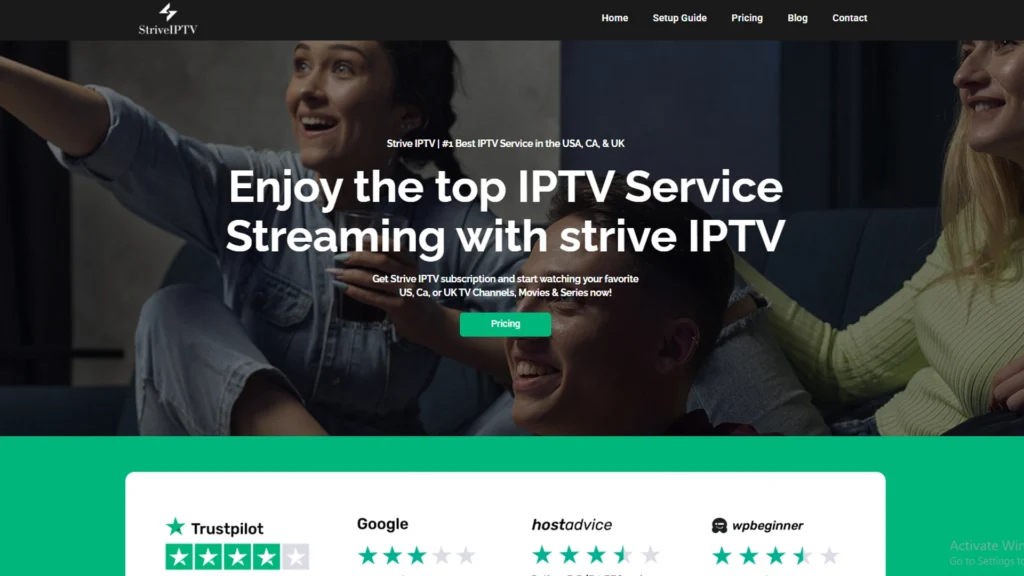
Strive IPTV offers 26,000+ live channels, 130,000+ movies and 50,000+ TV series in HD, FHD and 4K. It says it serves subscribers in more than 150 countries, with a strong focus on US, UK, and Canadian channels.
Its standout feature is catch-up TV combined with a full EPG, so you can replay recent programs and missed matches.
Key Features of Strive IPTV
- Catch-up TV and EPG on every plan
- Anti-freeze H.264 streaming with an advertised 99.9% uptime
- Works on Smart TVs, Firestick, Android boxes, MAG, Enigma, Windows, and Roku (through supported apps)
- 24/7 live chat and ticket support
- Payment by credit card or PayPal
Strive IPTV Pricing
| Plan | 1 Month | 3 Months | 6 Months | 1 Year |
|---|---|---|---|---|
| 1 Device | $15 | $25 | $45 | $65 |
| 2 Devices | $25 | $45 | $70 | $110 |
| 3 Devices | $35 | $65 | $100 | $150 |
Refunds: 10, 20, 30, or 45 days depending on plan length. Strive now says approved refunds go back to your bank, card, or PayPal within 24 hours.
Free trial: 24 hours with full channel and VOD access, no credit card required.
3. HomePlex IPTV: Best Budget Pick for International Channels
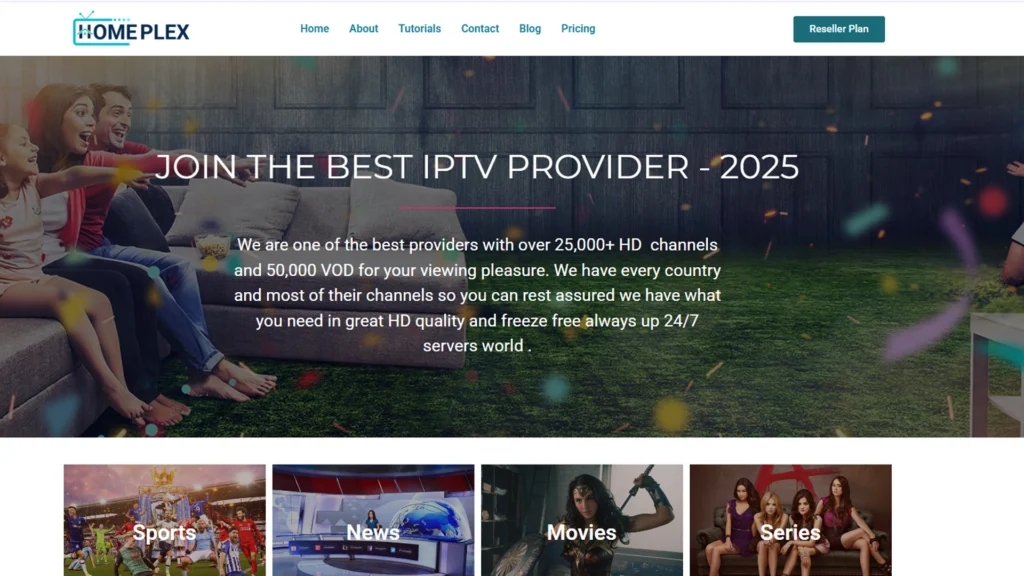
HomePlex IPTV offers 25,000+ live channels and 50,000+ movies and series in HD, FHD, and 4K. Its lineup covers channels from 150+ countries, including the USA, UK, Canada, Ireland, Spain, Italy, Germany, France, Brazil, Poland, India, Pakistan, Turkey, and the UAE. That makes it a good fit for expats who want home-country TV.
Because the name is similar, some people confuse HomePlex IPTV with Plex. They are separate companies. HomePlex is an IPTV subscription service, while Plex is a media server and streaming app.
Key Features of HomePlex IPTV
- Servers across the USA, Europe, and Asia with anti-freeze technology
- Full EPG TV guide
- Works on Smart TVs, Firestick, Android, iOS, MAG boxes, PCs, and game consoles
- 24/7 support via live chat, WhatsApp and email
- Payment by PayPal, Visa, Mastercard or Discover
- Reseller plans for anyone exploring an IPTV business
HomePlex IPTV Pricing
| Plan | 1 Month | 3 Months | 6 Months | 1 Year |
|---|---|---|---|---|
| 1 Device | $10 | $25 | $40 | $60 |
| 2 Devices | Not offered | $45 | $70 | $100 |
| 3 Devices | Not offered | $65 | $100 | $150 |
Refunds: 10-day money-back guarantee on all plans.
Free trial: 24 hours on the same servers as paid plans, no credit card.
4. Twit IPTV: Best for VOD and Catch-Up on a Budget
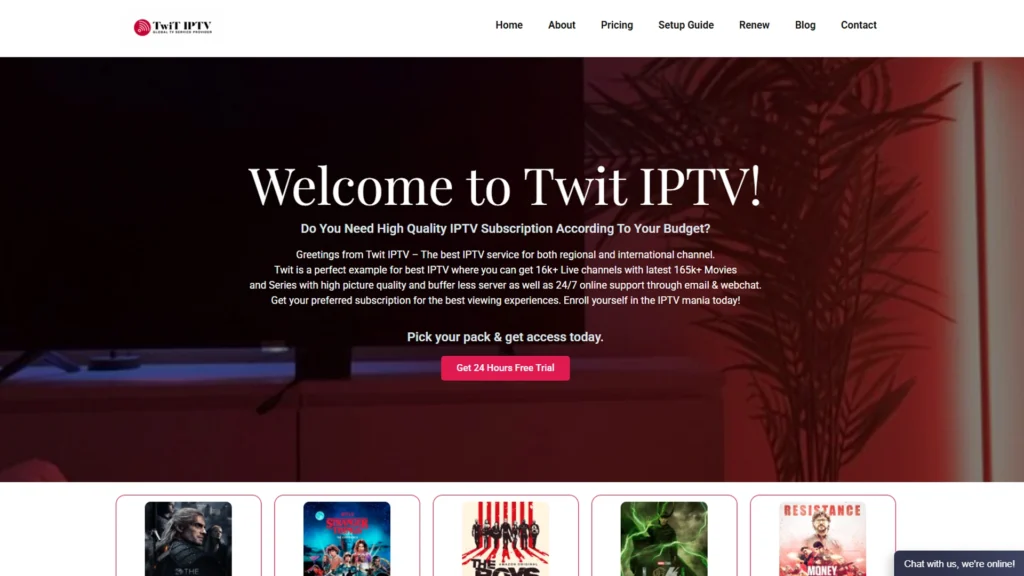
Twit IPTV offers 16,000+ live channels and 165,000+ movies and series, the largest VOD library on this list relative to its price. Twit IPTV has also added 72-hour catch-up TV, so you can replay any channel from the past three days.
The service is compatible with M3U, M3U8, and Xtream Codes. It lists HD and FHD streaming, plus 4K where available.
Key Features of Twit IPTV
- 72-hour catch-up on live channels
- EPG for US, UK, and Canadian channels
- Sports and PPV, including NFL, NBA, MLB, NHL, EPL, UFC, and F1
- Works with Firestick, Chromecast with Google TV, Android TV, Apple TV, NVIDIA Shield, MAG, Formuler and Buzz TV
- Instant activation after purchase
- 24/7 live chat and email support
Twit IPTV Pricing
| Plan | 1 Month | 3 Months | 6 Months | 1 Year |
|---|---|---|---|---|
| 1 Device | $12 | $30 | $50 | $80 |
| 2 Devices | $20 | $50 | $80 | $120 |
| 3 Devices | $30 | $70 | $110 | $170 |
The single-device yearly plan works out to about $6.67 per month.
Refunds: 10-day money-back guarantee on all plans.
Free trial: 24 hours, with no card and no auto-renewal.
5. IPTV Service Shop: Best for Device Compatibility and Lowest Price
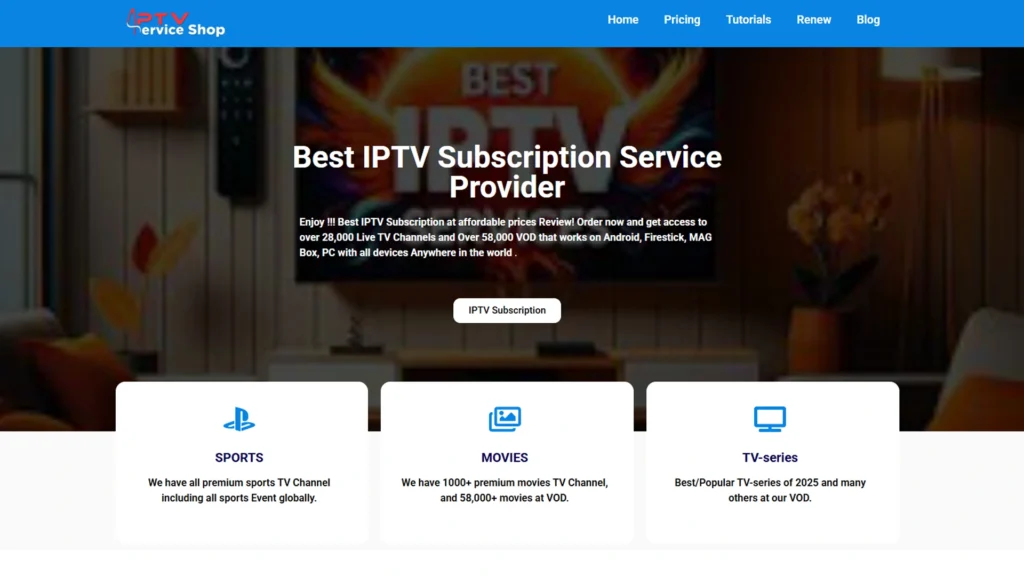
IPTV Service Shop offers 28,000+ live channels and 58,000+ movies and TV shows in HD, FHD and 4K on a 10Gbps+ server. Its device list is the broadest here, covering Samsung and LG Smart TVs, Firestick, Android, iPhone, iPad, Apple TV, Windows, Mac, MAG boxes, Nvidia Shield, Enigma2, Dreambox, and STB Emulator.
Key Features of IPTV Service Shop
- Works with IPTV Smarters Pro, TiviMate, GSE Smart IPTV, OTT Navigator, Kodi and a web player
- Full EPG
- Payment by card, PayPal or cryptocurrency
- 24/7 support via live chat and contact form
IPTV Service Shop Pricing (October 2026)
| Plan | 1 Month | 3 Months | 6 Months | 1 Year |
|---|---|---|---|---|
| 1 Device | $9.99 | $24.99 | $39.99 | $59.99 |
| 2 Devices | $20 | $45 | $70 | $100 |
| 3 Devices | $25 | $65 | $100 | $150 |
Refunds: The FAQ says a full refund applies when support can’t fix a genuine technical problem. That’s narrower than an unconditional money-back guarantee, so read the refund policy before you pay.
Free trial: The site advertises a 24-hour trial in one section and a 3-hour trial in its FAQ. Plan your testing around the shorter window unless support confirms otherwise.
How to Get Your IPTV Free Trial: Step-by-Step
1. Request the trial. Click the free trial button on the provider’s official site and enter your email. No card is needed for any provider on this list.
2. Check your inbox (and spam folder). You’ll receive an M3U link or Xtream Codes. Some providers also send details by WhatsApp. If you’re unsure which format to use, see our guide to IPTV URLs, M3U and MAC address logins.
3. Install an IPTV player. Popular options include IPTV Smarters Pro, TiviMate, GSE Smart IPTV and OTT Navigator. Our roundup of the best IPTV players compares them. If you watch on a Fire TV Stick, follow our IPTV for Firestick setup guide.
4. Enter your login details. The channel list, EPG, and VOD library usually load within a minute.
5. Start testing right away. The clock starts when the account is created, not when you first press play. Run the checks below while the trial is active.
What to Test During Your IPTV Free Trial
Stream Quality at Peak Hours
Watch HD and 4K channels in the evening, when servers carry the most traffic. Check for buffering, freezing or sudden drops in picture quality. A live sports event is the toughest test, so schedule your trial around one if you can.
Your Internet Speed
Run a test on Speedtest by Ookla from the device you’ll be watching on. For reference, Netflix recommends at least 5 Mbps for 1080p and 15 Mbps for 4K. Live IPTV streams are usually less efficient than Netflix, so aim for 15 Mbps or more for Full HD and 25 Mbps or more for 4K. Use a wired connection if you can.
The Channels You Actually Watch
Total channel counts don’t tell you whether your local news, a specific sports network or your home-country channels are included. Search for each one by name.
EPG Accuracy
Open the TV guide and compare a few listings against the real schedule. A wrong or empty EPG makes it hard to find live events.
VOD and Catch-Up
Search for a few recent releases and check that they play properly. If the provider offers catch-up, replay something from earlier that day.
Support Response Time
Send support a simple question during the trial and note how fast they reply. If they’re slow now, they’ll be slower when you’re a paying customer with a problem.
Is an IPTV Free Trial Safe and Legal?
IPTV technology itself is legal. Many legal IPTV services like YouTube TV, Sling TV, and Pluto TV use it. Legality depends on whether a provider holds the rights to the channels it streams, and that varies by service and by country.
Anti-piracy groups have warned that unlicensed streaming services carry real risks, including malware in unofficial apps, payment fraud, and services that disappear after taking prepaid subscriptions. To protect yourself:
- Use well-known player apps from official app stores, not unknown APK files
- Take advantage of the free trial instead of prepaying for a year upfront
- Prefer PayPal or card payments that offer buyer protection
- Never share passwords or personal documents with an IPTV seller
- Check the copyright rules where you live before you subscribe
Some viewers also use a VPN for IPTV to protect their privacy and avoid ISP throttling. A VPN doesn’t change the legal status of the content you’re streaming.
Red Flags to Watch for Before You Subscribe
- The trial requires a credit card and then quietly turns into a paid plan
- Prices that seem too good to be true, such as a full year for a few dollars
- No refund policy or vague terms
- Copycat domains: brands with similar names on different domains are often unrelated, so always check the URL
- Support only through a single messaging app with no website, ticket system or email
Frequently Asked Questions About IPTV Free Trials
-
Is an IPTV free trial really free?
Yes. All five providers here offer a trial without card details. You give your email, receive your login, and the account expires when the trial ends. There is nothing to cancel and no automatic charge.
-
How long does an IPTV free trial last?
Most IPTV free trials last 24 hours. Forest IPTV, Strive IPTV, HomePlex IPTV, and Twit IPTV all advertise 24 hours. IPTV Service Shop lists both 24-hour and 3-hour trials on its website, so check with support before you start.
-
Can I get more than one IPTV free trial?
Providers normally allow one trial per person or email address. You can still try several different providers, which is the best way to compare them side by side.
-
What devices work with an IPTV free trial?
The trial works on the same devices as a paid plan, including Firestick, Android TV, Smart TVs, iPhone, iPad, Windows, Mac, and MAG boxes. IPTV Service Shop lists the widest device support among the five.
-
What internet speed do I need for an IPTV free trial?
Aim for at least 15 Mbps for Full HD and 25 Mbps or more for 4K. Forest IPTV specifically recommends 15 Mbps or higher for smooth HD playback.
-
Do these providers offer refunds after the trial?
Yes, but the terms differ. Forest IPTV and Strive IPTV offer up to 45 days on annual plans. HomePlex IPTV and Twit IPTV offer 10 days. IPTV Service Shop refunds only for technical issues its support team can’t fix
Final Verdict: Which IPTV Free Trial Should You Start With?
- Forest IPTV if you want the biggest advertised channel and VOD library, plus 4K and the longest refund window.
- Strive IPTV if you mainly watch US, UK, or Canadian TV and want catch-up with a fast refund process.
- HomePlex IPTV if you need international channels on a tight budget.
- Twit IPTV if movies and series matter more than channel count.
- IPTV Service Shop if you have many different devices or simply want the lowest yearly price.
The smartest approach is to shortlist two or three providers and run their trials on different evenings. Test the same channels at the same time, then choose the one that held up best. For more options, see our guides to the best IPTV providers and best cheap IPTV services.

8 Responses