
If you have just subscribed to a streaming service, your provider probably sent you either a long web link or asked for a number printed on your device. That is the core of the IPTV URL, M3U vs MAC Address question. Both methods get your channels onto your screen, but they work differently and suit different devices.
This guide explains how each method works, compares them side by side, and helps you choose. If you are new to the technology, start with what IPTV is and come back.
What Is an IPTV URL?
An IPTV URL is a web address your player uses to fetch your channel list and stream. Providers usually supply it in one of two forms:
- M3U URL: a link to a playlist file that lists every channel, category, and stream address.
- Xtream-style login: a server address, username, and password that the app automatically turns into a playlist.
In both cases, your app reads the address and builds your channel list. A MAC address setup does not use a playlist link on your side. It identifies your device instead.
What Is an M3U URL?
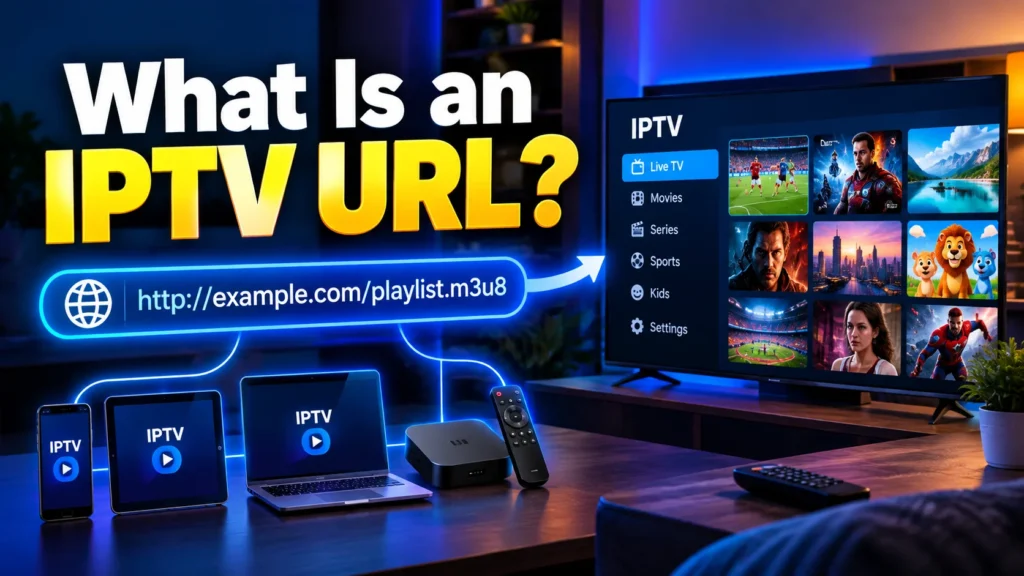
M3U is a plain-text playlist format. Each entry points to a stream, and the file can also carry channel names, logos, and group titles. The M3U format is documented on Wikipedia. The M3U8 variant uses UTF-8 encoding and is closely tied to HTTP Live Streaming, which is specified in RFC 8216.
An M3U URL is a playlist hosted online. You paste the link into your player, and it loads everything. Our full guide to the M3U playlist covers the file structure in more detail.
Pros of M3U URLs
- Works on almost every player and platform
- Easy to copy, paste and move between devices
- Compatible with free, open-source software
- No dependence on one specific piece of hardware
Cons of M3U URLs
- The link works like a password, so anyone who has it can use your subscription
- Long playlists can load slowly on low-powered devices
- You need to update the link if your provider changes servers
What Is a MAC Address Login?
Every network device has a unique hardware identifier called a MAC address. You can read the technical background in this MAC address overview.
In a MAC-based setup, you send the provider your device’s MAC address (or the virtual MAC shown in your app). The provider links your subscription to it. When the device connects to the provider’s portal, the server recognizes the address and delivers your channels. You never type a username, password or playlist link on the device.
MAC-based activation is most common with set-top boxes such as MAG devices and with certain apps that display a MAC address and device key on first launch.
Pros of MAC Address Login
- Simple for non-technical users, with no long links to type
- Nothing to copy or leak, since the subscription is tied to the device
- A clean, TV-friendly experience on set-top boxes
Cons of MAC Address Login
- Limited to devices and apps that support portals
- If you replace the device, you must ask the provider to update the address
- Harder to switch between players yourself
- You depend on the provider to configure your account
IPTV URL, M3U vs MAC Address: Side-by-Side Comparison
| Feature | M3U URL | MAC Address |
|---|---|---|
| Setup difficulty | Easy (copy and paste) | Very easy (send a number) |
| Device support | Nearly all players | Set-top boxes and select apps |
| Portability | High | Low |
| Security | Link can be shared | Locked to one device |
| Player flexibility | Very high | Limited |
| Best for | Phones, PCs, Fire TV, Android | MAG boxes and portal-based apps |
Which Method Is Better?
Neither is universally better. The right choice depends on your device and how you watch.
Choose an M3U URL if:
- You use a phone, tablet, PC or streaming stick
- You want to try several apps
- You like customizing your playlist and EPG
Choose a MAC address if:
- You use a set-top box or a portal-based TV app
- You want a simple, no-typing setup
- You only watch on one device
How to Set Up an M3U URL
- Copy the M3U link from your provider’s email or dashboard.
- Open your IPTV player and choose “Add playlist” or “Load URL.”
- Paste the link, name the playlist, and save.
- Wait for the channels and guide to load.
Popular options include the best IPTV players, and you can also watch IPTV on VLC for a free desktop setup. The VideoLAN project offers VLC as a free, open-source download.
Device-specific guides can help too:
How to Set Up a MAC Address Login
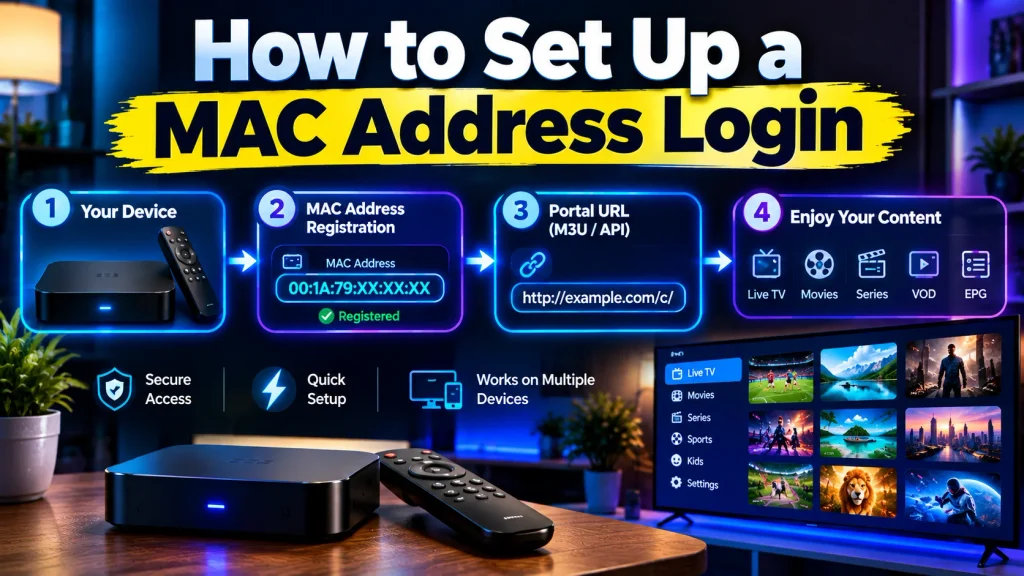
- Open the app or set-top box and find the MAC address on the screen or device label.
- Send that address to your provider, along with the device key if the app shows one.
- Wait for the provider to activate your subscription.
- Restart the app or box so it can load your channels.
If the channels do not appear, check that the address was copied exactly, including the letters and separators.
Common Problems and Quick Fixes
M3U playlist will not load: Check for typos or extra spaces in the link, confirm your subscription is active, and test your internet speed.
MAC address not recognized: Confirm the exact address with your provider. If you changed devices or reset the app, the address may have changed.
Buffering on either method: The cause is usually your connection or the provider’s server load, not the login method. Learning about adaptive bitrate streaming helps explain why quality changes with bandwidth.
Tips for Choosing a Reliable Provider
Your login method matters less than the service behind it. Look for stable uptime, responsive support and clear terms. Check our roundup of the best IPTV providers and the best IPTV subscription options. A free trial lets you test both M3U and MAC setups before you commit.
Always use licensed services in your region and respect the content owners’ rights.
Frequently Asked Questions
-
Is an M3U URL the same as an IPTV URL?
Not exactly. “IPTV URL” is the broader term for any address that delivers your service. An M3U URL is one specific type that points to a playlist file.
-
Can I use both methods on one subscription?
Some providers support both. Ask whether your plan includes an M3U link, a MAC portal, or both.
-
Is MAC address login safer?
It reduces the risk of link sharing because the subscription is tied to a device. However, it is not a substitute for choosing a trustworthy provider.
-
What happens if I change my device?
With M3U, you paste the link into the new device. With a MAC address, you must send the new address to your provider.
-
Which is better for beginners?
Both are easy. MAC activation needs no typing, while M3U works on far more devices.
Final Thoughts
The IPTV URL, M3U vs MAC Address decision comes down to your hardware. Pick M3U for flexibility and wide app support. Pick a MAC address for a simple, locked-in setup on a compatible box. Either way, a dependable provider and a stable connection matter most.
