
Quick Answer: Kemo IPTV (kemoiptv.io) is a subscription IPTV service offering 16,000+ live TV channels and roughly 4,000–40,000 VOD titles (the number varies by page on the site itself), split by region: USA, UK, Canada, Arabic, Africa, and Asia, each with its own sports, movies, and kids categories. Streaming quality ranges from SD up to 4K, a 36-hour trial is available for $3, and the service works across Smart TVs, Firestick, MAG boxes, iOS, and Windows/Mac. Before subscribing, it’s worth confirming you’re on kemoiptv.io specifically, since several other websites use very similar “Kemo” branding.
What Is Kemo IPTV?
Kemo IPTV is a subscription-based service that delivers live television and on-demand content over the internet rather than through a cable box or satellite dish. According to its own channel list page, the service offers more than 16,000 SD, HD, and FHD channels alongside a VOD library, compatible with Smart TVs, Android boxes, MAG devices, and more, spanning categories like movies, series, cartoons, documentaries, and sports.
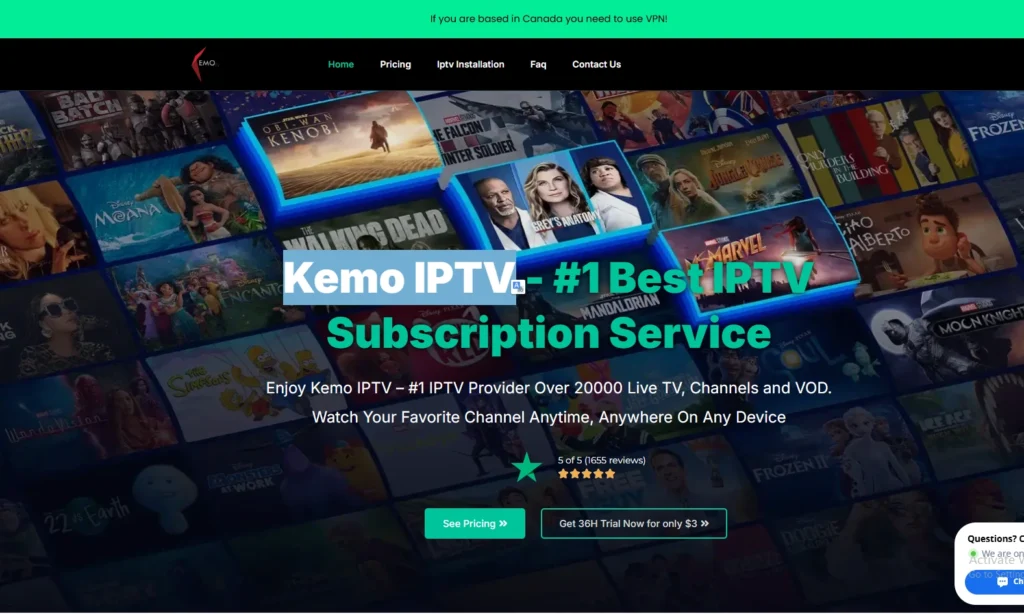
Content is organized by region rather than one giant mixed list — the site breaks channels into groups like US, UK, Canada, Arabic, African, and Asian packages, with each region including its own general entertainment, sports, movies, and kids channels. This regional structure makes it easier to find relevant local content instead of scrolling through thousands of unrelated channels. If you’re still new to the concept overall, what IPTV actually is is worth understanding first.
A Note Before You Subscribe: Several Sites Share the “Kemo” Name
Searching for Kemo IPTV brings up more than one website using a similar name and near-identical marketing language, different domain extensions, slightly different channel counts, and separate pricing pages. This review is based specifically on kemoiptv.io. Since trial length, pricing, and support can differ noticeably between these lookalike sites, it’s worth checking the URL bar matches kemoiptv.io exactly before entering any payment information, rather than assuming every “Kemo” result online is the same business.
Channel Lineup: What’s Actually Included
Based on the official channel list, here’s the general breakdown:
USA Channels: A full package covering general entertainment, sports, movies, and kids content, including major networks like ABC, CBS, FOX, and NBC, along with cable staples like MTV, VH1, Showtime, HGTV, MSNBC, Syfy, Bravo, Food Network, E!, and Discovery Channel.
UK Channels: A large regional list including terrestrial channels (ITV, Channel 4, Channel 5), news (Sky News, BBC-style feeds), and a heavy sports lineup — Sky Sports (Premier League, Football, F1, Cricket, Golf, Racing, Arena), BT Sport, Eurosport 1 & 2, Premier Sports, and club-specific channels like Man United TV and LFC TV.
Canada Channels: General, sports, movies, and kids categories following the same regional structure as the US and UK packages.
Arabic, African, and Asian Channels: Each region again follows the general/sports/movies/kids format, aimed at users who want local-language content alongside the international package rather than a separate subscription.
Sports Coverage: Beyond the regional sports channels listed above, the lineup covers major US leagues (NFL, NBA, NHL, and college sports) and European football (Premier League, La Liga, Serie A, Bundesliga), plus combat sports and PPV-style events depending on the season.
VOD Library: Movies and series are updated on a rolling basis, spanning recent releases as well as older catalog titles, organized into standard genre categories.
Streaming Quality and Technology
Channels are delivered across a range of quality tiers — SD, HD, Full HD (1080p), and select 4K streams — with an Electronic Program Guide (EPG) available so you can see what’s currently airing and what’s coming up next on a given channel. EPG data is typically sent separately from your main login details, so if it doesn’t arrive automatically, it’s worth requesting it through support.
Is Kemo IPTV Legal?
IPTV as a delivery method is legal — it’s the same underlying technology used by fully licensed platforms like Hulu and YouTube TV. The legal gray area with Kemo IPTV, like most subscription IPTV resellers, comes down to how premium channels are sourced and redistributed without direct broadcaster licensing. Whether that creates personal legal exposure depends heavily on local copyright enforcement, which varies a lot from country to country, so it’s something to be aware of rather than something with one universal answer.
Is Kemo IPTV Safe and Legit?
Kemo IPTV runs as a functioning, paid service with an active storefront, a trial option, a support ticket system, and a published FAQ — all reasonable signs of a real, ongoing operation rather than a scam front. A few practical habits still apply, as they would with any IPTV subscription:
- Buy only through the official kemoiptv.io checkout, not a third party claiming to resell it at a discount
- Use the trial before committing to a longer plan, since there are no refunds afterward
- Keep your Xtream Codes or M3U login private — account sharing outside your own devices is a common reason for suspensions
- Be skeptical of “lifetime” deals offered outside the official site, which is a red flag across the IPTV market generally, not just with Kemo
Kemo IPTV Reviews and Complaints
Feedback on Kemo IPTV is mixed, which is typical for IPTV services in this price bracket. On the positive side, users tend to highlight the channel count, the regional organization (being able to grab just the US or UK package instead of everything), and generally solid 4K performance on major channels. On the complaint side, the most common issues are buffering during peak hours — especially on smaller international channels — a support system limited to tickets and email rather than live chat, and the lack of an official app in the Apple or Google app stores, meaning setup always goes through a third-party player like IPTV Smarters or TiviMate.
A smaller but recurring theme in complaints involves ISP throttling rather than the service itself — Kemo’s own FAQ acknowledges this and specifically recommends a VPN if buffering happens consistently, particularly for users in the UK.
Kemo IPTV Pricing and Subscription Plans
Plans are structured by duration — monthly, 3-month, 6-month, and annual — with a lower effective monthly rate on longer commitments. Multi-device plans cost more, since a standard single subscription only allows one active stream at a time, even though it can be installed across multiple devices. A reseller plan is also available for anyone looking to resell access at their own pricing.
Because Kemo IPTV doesn’t offer refunds once a subscription is activated — the trial exists specifically to cover that gap, it’s worth treating the $3 trial as the real decision-making step rather than the paid plan itself.
Kemo IPTV Free Trial
The trial runs for 36 hours and costs $3, giving full access to live channels, VOD, and 4K streams before committing to a longer subscription. Since there’s no refund path afterward, it’s worth spending that window testing the exact channels, region packages, and devices you’ll actually use day to day, rather than just sampling a few random channels.
How to Set Up Kemo IPTV
After payment, Kemo IPTV sends login credentials by email — usually an Xtream Codes username, password, and portal URL, or an M3U link — with activation typically completing anywhere from 30 minutes to 12 hours after the order is confirmed.
On Firestick: Most users install IPTV Smarters Pro from the Amazon App Store, then enter the Xtream Codes details from Kemo to load the channel list automatically.
On Roku: Since Roku doesn’t support Xtream Codes apps as openly as Firestick, setup usually relies on one of the limited IPTV-compatible apps in the Roku Channel Store, or mirroring the stream from another device.
On Apple TV and iPhone: GSE Smart IPTV is the most common app choice; after installing it from the App Store, you add the M3U URL or Xtream Codes login to bring in the full channel list.
On PC or Smart TV: VLC, Kodi, or any M3U-compatible player works directly with the same login details, and the service also lists compatibility with MAG boxes, Formuler Z, X96 Android boxes, and Enigma2/Vu+ receivers for more hardware-based setups.
Kemo IPTV Support
Support runs through a ticket system and email rather than live chat. Based on the official FAQ, common troubleshooting steps include checking whether buffering is isolated to specific channels, confirming your internet connection meets the quality tier you’re streaming, and using a VPN if your ISP appears to be throttling streaming traffic specifically, a documented issue for some UK-based users in particular.
Kemo IPTV Not Working or Buffering
If a channel or the whole service stops working, a few steps help narrow down the cause before assuming there’s a wider outage:
- Try a handful of different channels — if only some are affected, it’s more likely a source-side issue than a full outage
- Restart your router and clear your player app’s cache
- Check your actual connection speed against the quality tier you’re watching, since Full HD and 4K need noticeably more stable bandwidth than SD
- If buffering happens at consistent times of day, it’s often ISP throttling rather than a Kemo server problem, which is where a VPN tends to help
-
Is Kemo IPTV legit?
Kemo IPTV, at kemoiptv.io, runs as an active paid service with a working checkout, trial option, and support ticket system, which are reasonable signs of a genuine operation. That said, several other sites use similar “Kemo” branding, so it’s worth confirming you’re on kemoiptv.io specifically before subscribing.
-
Is Kemo IPTV legal?
IPTV as a technology is legal, but Kemo IPTV, like most subscription IPTV resellers, doesn’t hold direct licensing agreements with the broadcasters whose channels it distributes. This puts it in a legal gray area that depends largely on copyright enforcement in your specific country.
-
How much does Kemo IPTV cost?
Plans start at around $11/month, with lower per-month rates on 3, 6, and 12-month subscriptions. A 36-hour trial is available for $3, but no refunds are offered once a full subscription is activated, if a fully free trial matters more to you, some IPTV providers offer a no-cost trial period instead.
-
What devices does Kemo IPTV work on?
Kemo IPTV supports Firestick, Smart TVs, Android boxes, iOS, MAG boxes, Formuler Z, X96, Enigma2/Vu+ receivers, and Windows/Mac through VLC or Kodi. One subscription can be installed on multiple devices, but only one stream is active at a time unless you buy a multi-connection plan.
-
Why does Kemo IPTV keep buffering?
Buffering usually happens on smaller international channels during peak hours or when an internet provider is throttling streaming traffic. Kemo’s own FAQ recommends checking your connection speed first and using a VPN if the issue is consistent, particularly for users in the UK.
Final Verdict
Kemo IPTV, through kemoiptv.io, is a mid-tier IPTV subscription with a genuinely large, region-organized channel list, reasonable pricing, and support for most major devices — balanced against average customer support and the buffering that tends to come with any budget IPTV service during peak hours. The $3, 36-hour trial is worth using in full before committing, since refunds aren’t available afterward. Just as important as the service itself: make sure the subscription is coming from kemoiptv.io directly, given how many similarly named sites exist in this space with their own separate pricing and support.
