
Key Takeaways
- An iOS IPTV player has no channels of its own. You add your subscription with an M3U playlist link or Xtream Codes login, and the app turns it into a TV interface with channel lists, an EPG and search.
- GSE Smart IPTV is the best overall pick for iPhone and iPad. It is stable across iPhone, iPad, Apple TV and Mac, and syncs playlists and favourites through iCloud.
- IPTV Smarters Pro is completely free and works the same on iOS, Android, Firestick, Windows, Mac and Smart TVs, which suits mixed-device households.
- Flex IPTV feels the most Apple-native, with gestures and Dynamic Island support, and unlocks premium features with a one-time payment instead of a subscription.
- UHF supports both AirPlay and Chromecast, and IPTV One syncs your watch position across iPhone, Apple TV, Mac and Windows.
- TiviMate is not available on iOS, so Android-focused recommendations don’t apply to iPhone.
- If streams buffer in every app, the problem is usually the IPTV provider’s server, not the player.
Finding the best IPTV player for ickier than it looks. Most “best IPTV player” lists are written for Android and Firestick first, then iPhone gets a short mention at the bottom. Apple’s ecosystem works differently, so an app that dominates on Android TV, like TiviMate, is not even available on iOS. This guide focuses only on iPhone and iPad, and covers the seven apps that actually perform well inside Apple’s sandbox.
Every player below works the same basic way. It does not come with channels built in. You add your own IPTV subscription through an M3U playlist link, or Xtream Codes login, and the app turns that stream into a proper TV interface with channel lists, an EPG, and search. What is an M3U playlist explains how that connection works if you are setting one up for the first time.
How These Players Were Compared
Each app was judged on five things that matter most on iPhone and iPad:
- Playlist support: does it accept M3U, Xtream Codes, or both
- EPG quality: how fast and accurate the program guide loads
- iOS-native features: AirPlay, Picture-in-Picture, Dynamic Island, background audio
- Interface and setup time: how long it takes a first-time user to get channels playing
- Cost: free, freemium, or one-time purchase
None of these apps supply TV channels themselves. A player is only half the equation. If you already have a subscription and it still buffers no matter which app you use, the problem is usually the server, not the player. Pairing a solid player with an IPTV service matters just as much as the app itself.
Quick Comparison Table
| Player | Best For | Playlist Support | AirPlay | Price |
|---|---|---|---|---|
| GSE Smart IPTV | Overall iOS experience | M3U, Xtream Codes | Yes | Free / Pro upgrade |
| IPTV Smarters Pro | Widest platform coverage | M3U, Xtream Codes | Yes | Free |
| Flex IPTV | Apple-native design | M3U, Xtream Codes | Yes | Freemium, one-time unlock |
| IBO Player Pro | iPhone + Apple TV combo | M3U, Xtream Codes, Stalker | Yes | Free with trial |
| UHF | Modern all-round iOS app | M3U, Xtream Codes | Yes and Chromecast | Free / Pro upgrade |
| IPTVX | Long-term stability | M3U, Xtream Codes | Yes | Free |
| IPTV One | Cross-device cloud sync | M3U, Xtream Codes, Stalker | Yes | Free |
1. GSE Smart IPTV
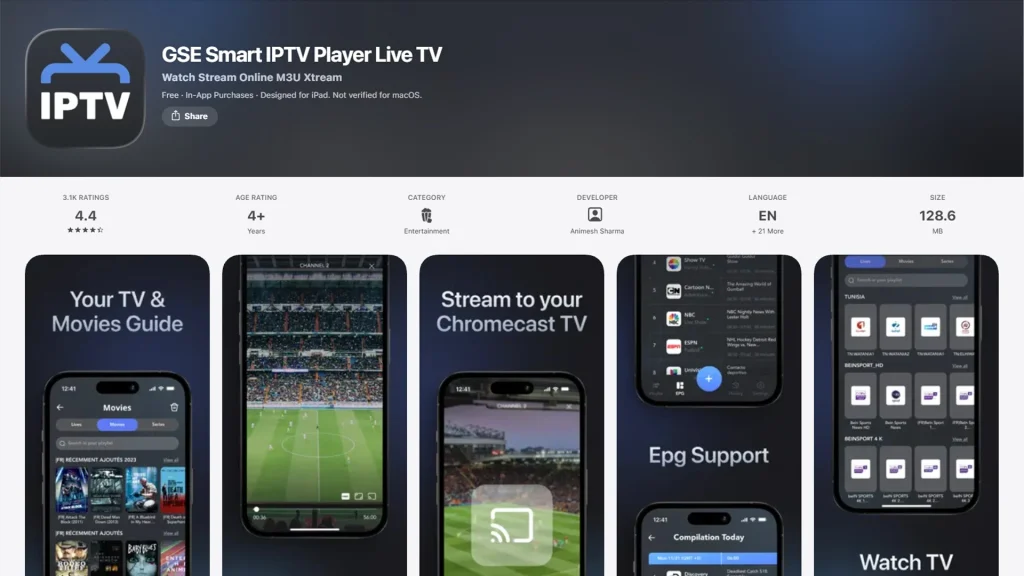
GSE is the app most people land on first because it stays stable across iPhone, iPad, Apple TV, and Mac. Setup takes only a few minutes: paste in the M3U link or Xtream login, let the EPG match automatically, and channels are ready to browse. iCloud sync carries favourites and playlists across every Apple device signed into the same account, which is rare among IPTV apps.
The interface leans closer to a native iOS app than most competitors, so menus, search, and channel switching all feel familiar. The one known limitation is background audio, since GSE pauses playback when the app is minimized rather than continuing audio in the background. For anyone watching mainly on iPhone or iPad, this is still the most complete option in 2026.
Best for: users who want one reliable app across the whole Apple ecosystem.
2. IPTV Smarters Pro
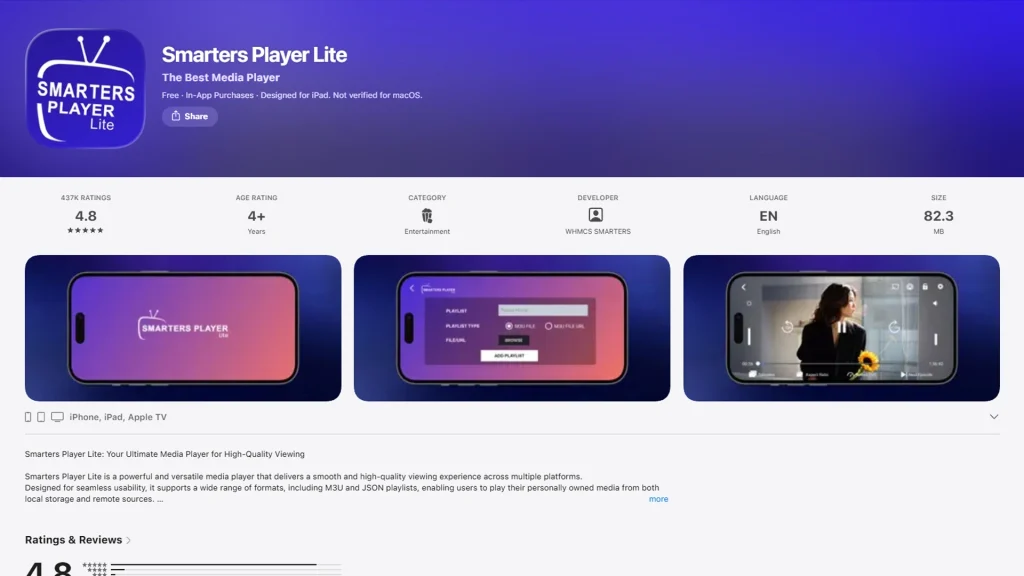
Smarters Pro trades a bit of polish for platform breadth. It runs on iOS, Android, Firestick, Windows, Mac, and most Smart TV operating systems, so it is the natural pick for households mixing an iPhone with an Android TV box or a Samsung TV. Setup is straightforward, playlist support covers both M3U and Xtream Codes, and there is no paid tier at all.
The EPG and interface are noticeably less refined than GSE or UHF, and some users report slower channel loading on larger playlists. What it lacks in visual polish it makes up for by working identically no matter which screen is in front of you.
Best for: households or resellers running the same account across multiple device types.
3. Flex IPTV
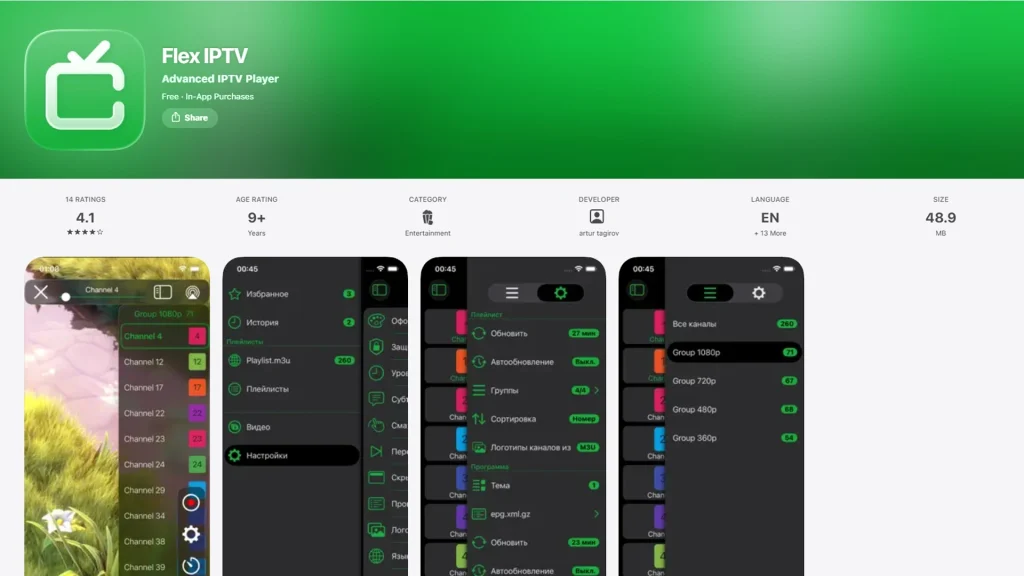
Flex IPTV was built with the Apple ecosystem specifically in mind, and it shows. Gesture navigation, swipe controls, and Dynamic Island integration make it feel closer to a first-party Apple app than a typical IPTV player. Adding a playlist is a short process: open the menu, select Add Playlist, and enter either an M3U link or Xtream credentials.
The free version covers the basics, and a one-time payment unlocks the premium tier instead of a recurring subscription, which stands out in a category where most competitors either stay free or lock features behind monthly fees.
Best for: iPhone users who want an app that feels built for Apple, not ported to it.
4. IBO Player Pro
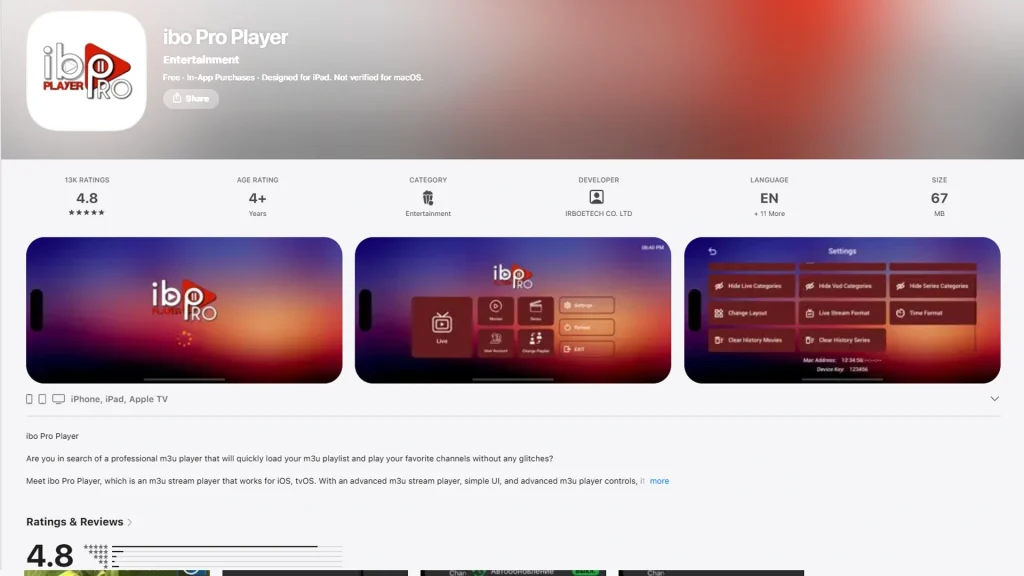
IBO Player Pro is aimed at people who split their viewing between an iPhone and an Apple TV and want one app that behaves the same on both. It supports M3U, Xtream Codes, and Stalker Portal, which covers nearly every provider format in use in 2026. A seven-day trial is included for new users before deciding on the paid tier.
Setup and navigation are simple rather than feature-heavy, which makes it a sensible pick for less technical users who just want channels playing without digging through settings.
Best for: a simple, consistent setup shared between iPhone, iPad, and Apple TV.
5. UHF
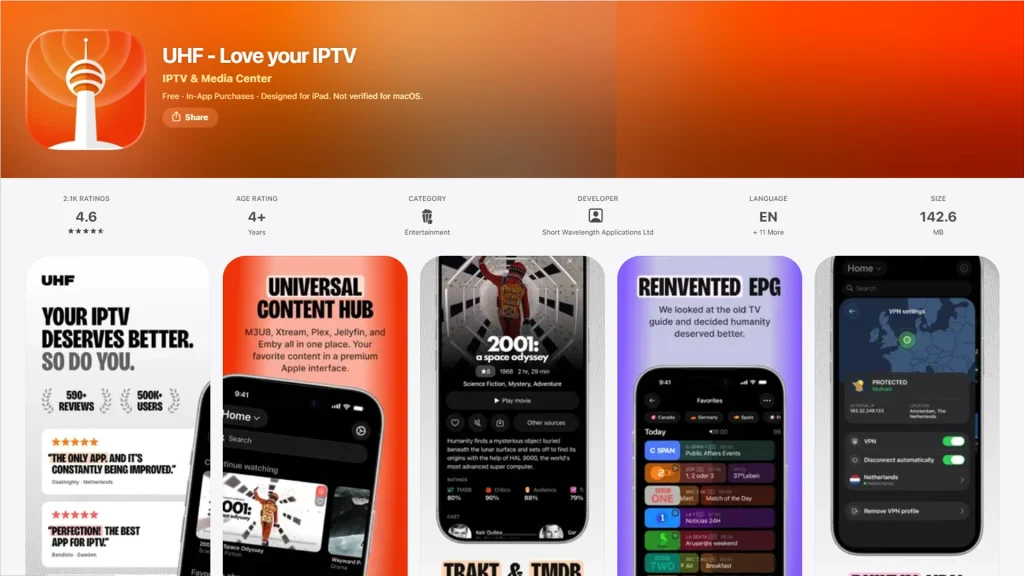
UHF is one of the newer entries on this list and has quickly become a top recommendation for a modern, actively maintained IPTV app across iPhone, iPad, and Apple TV. It supports both AirPlay and Chromecast, which is unusual since most iOS IPTV apps only offer AirPlay. That matters if a household also casts to a non-Apple TV or speaker system.
Not every player that supports AirPlay also supports Chromecast, so it is worth checking a current App Store listing before assuming casting will work exactly as expected.
Best for: users who want Chromecast alongside AirPlay in the same app.
6. IPTVX
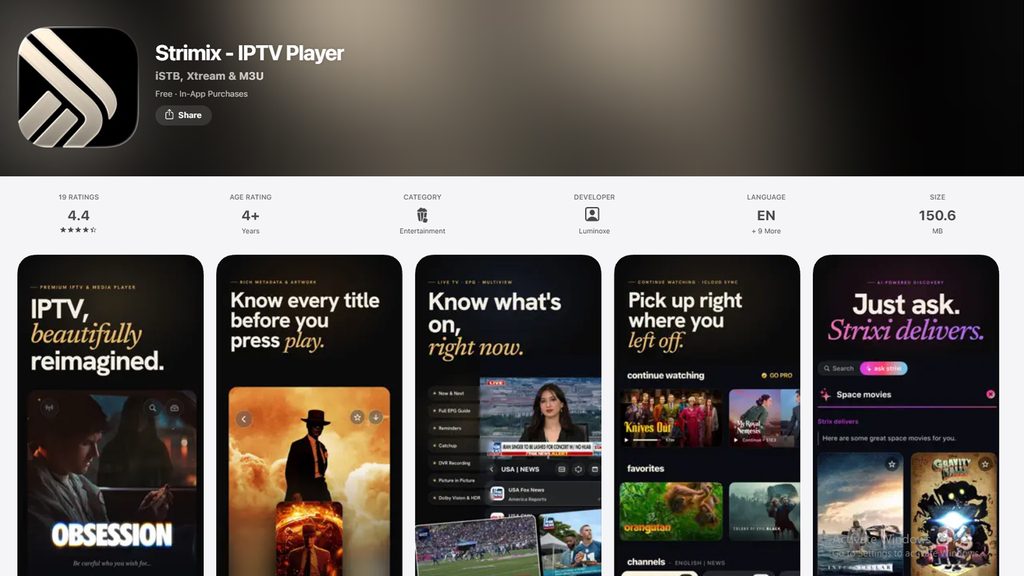
IPTVX has been around long enough to build a loyal following, and its main strength is stability over flashy features. It integrates cleanly with iOS and keeps a consistent, cinematic-feeling interface across updates. For users who prioritize an app that simply keeps working release after release, IPTVX remains a dependable choice.
Best for: users who value long-term reliability over new features.
7. IPTV One
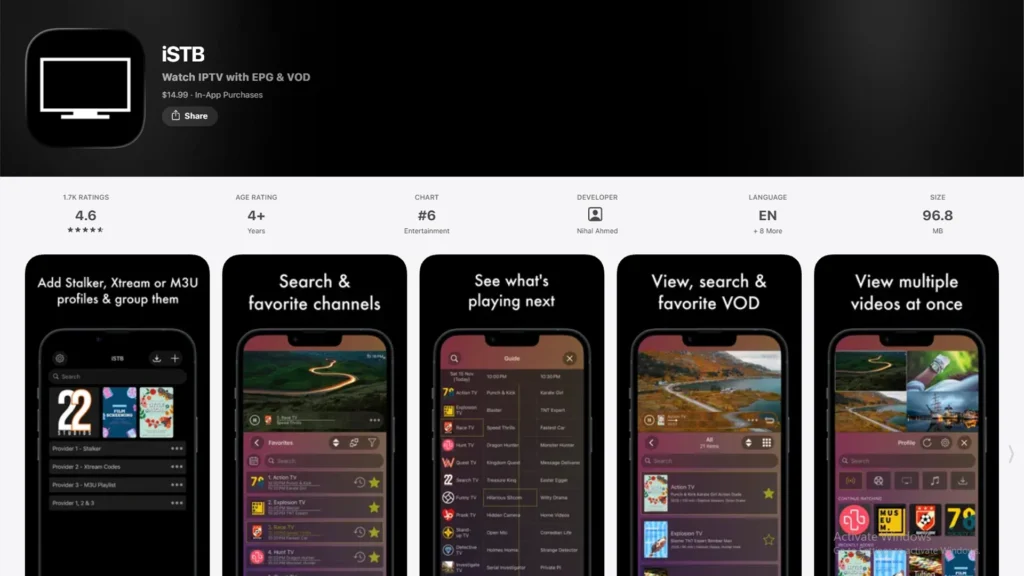
IPTV One is built as a genuine multi-platform product rather than an iOS port, running on iPhone, iPad, Mac, Apple TV, Android, Windows, and Linux from one codebase. Its EPG pulls in show artwork and cast details, AirPlay works without extra setup, and cloud sync means pausing on an iPhone and resuming on an Apple TV or Windows PC keeps the exact spot.
Given how much of the iOS-focused IPTV coverage still defaults to Android-first apps, having a player designed around cross-device sync from the start is a genuine point of difference.
Best for: viewers who switch between an iPhone, a computer, and a living room screen regularly.
GSE vs IPTV Smarters Pro: The Two Most Common Picks
These two names come up in almost every iOS IPTV recommendation, so it helps to see them side by side.
| Feature | GSE Smart IPTV | IPTV Smarters Pro |
|---|---|---|
| Platform focus | iOS-first, then wider | Equal across all platforms |
| EPG polish | Higher | Lower |
| iCloud sync | Yes | No |
| Platform coverage | iPhone, iPad, Apple TV, Mac, Android | iOS, Android, Firestick, Windows, Mac, Smart TVs |
| Cost | Free / Pro upgrade | Completely free |
If the goal is the smoothest experience specifically on Apple devices, GSE is the stronger pick. If the same account needs to run on a Firestick or a Samsung TV as well, Smarters Pro is the more practical choice.
Setting Up Any IPTV Player on iOS
The setup flow is nearly identical across all seven apps:
- Download the app from the App Store.
- Open the app and choose Add Playlist.
- Enter either the M3U8 playlist URL or the Xtream Codes username, password, and server address supplied by the provider.
- Let the app load the EPG and channel list.
- Enable AirPlay from Control Center to send playback to an Apple TV when needed.
Anyone unfamiliar with the playlist format itself can check what an M3U playlist is for a plain breakdown of how M3U and Xtream Codes differ.
Frequently Asked Questions
-
What is the best free IPTV player for iPhone?
IPTV Smarters Pro is completely free with no paid tier, and GSE Smart IPTV offers a strong free version with an optional Pro upgrade for extra features.
-
Does TiviMate work on iOS?
No. TiviMate is Android and Android TV only. There is no iOS or iPhone version, which is why it is left out of this list despite being a common recommendation on Android-focused guides.
-
Can I use IPTV Smarters on iPhone?
Yes. IPTV Smarters Pro is available on the App Store and works the same way it does on Android and Firestick.
-
Is there an IPTV player with iCloud sync for Apple devices?
GSE Smart IPTV syncs favourites and playlists through iCloud. IPTV One offers a separate cross-device cloud sync that does not rely on iCloud.
-
What is the difference between M3U and Xtream Codes on iOS?
M3U is a single playlist file link that lists channel streams directly. Xtream Codes is a login-based system using a username, password, and server address, which usually loads a more complete EPG and VOD library. Most players on this list, including GSE and IPTV Smarters Pro, support both formats.

2 Responses